Customer display
Transparent for guests,
a showcase for you
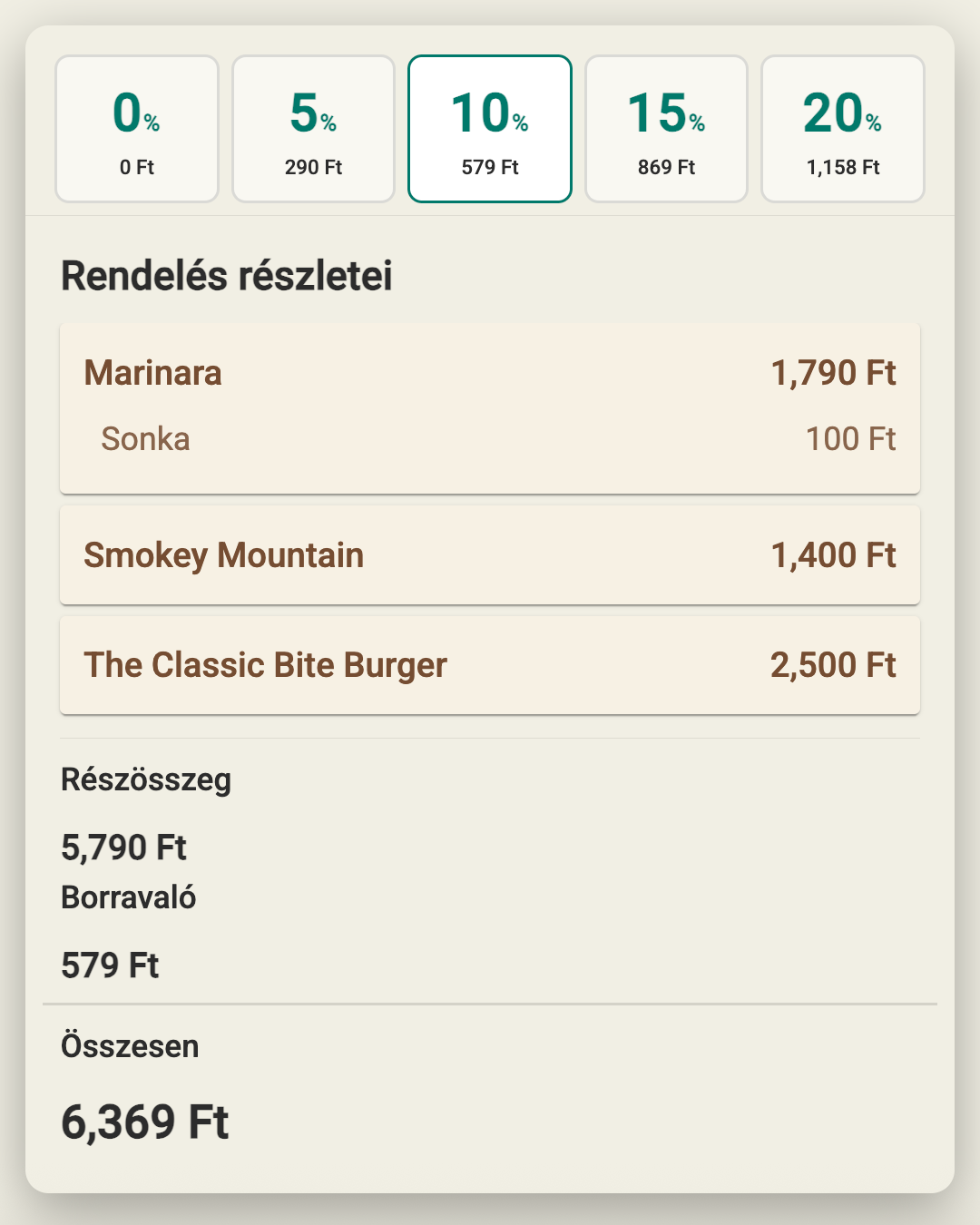
On the display next to the till, guests follow what goes into their basket and choose a tip right there. When no order is in progress, your own photos and videos play.
How it works
Fewer questions, more sales
01
Your ads play while it is idle
Upload photos and videos – daily specials, a new dessert, happy hour – and drag them into order. When an order starts, the display switches to the basket on its own.
What the customer display shows
- Live basket with items
- Subtotal, service charge, discount
- Tip selection
- Your photos and videos when idle
- Drag-to-reorder playback
- Adjustable image interval
Got a question?
Customer display: frequently asked questions
What do guests see on the customer display?
On the customer display next to the till, guests follow their basket live, with items, subtotal, service charge and discounts. They can also choose their tip right there on the display.
What does the customer display show when there is no order?
When idle, the customer display plays your own uploaded photos and videos, such as the daily special or a new dessert. You set the order by dragging and choose how long each image shows, and the display switches back to the basket automatically when an order starts.
Want to see how it would look on your counter?
Related features
Works well together with
- Invoicing and paymentsCash, card, split payments and split bills – in one window, with no mental arithmetic.
- Order-ready displayOrder numbers on screen with a sound alert – no need to shout that an order is ready.
- Order taking and POSColour-coded categories, toppings, half portions, takeaway and discounts – an order in a few taps.
Contact
Let's talk about how it would work for you
Tell us what kind of venue you run, and we will get back to you with a tailored demo.
Get in touch
- Emailinfo@orderly.hu
- Phone+36 30 644 7805